Pro Tips for TV Mounting in Stuart: Your Ultimate Guide to a Perfect Setup
Mounting a TV can transform your living space, making it sleek, modern, and clutter-free. But it’s not just about slapping a bracket on the wall. We want to help you get it right the first time. Whether you’re upgrading your home theater or outfitting a business space, these pro tips for TV mounting in Stuart will guide you through the process with confidence and ease.
We’ll cover everything from choosing the right spot to understanding the tools you need. Plus, we’ll share insider advice on how to avoid common mistakes. Ready to get started? Let’s dive in!
Essential TV Mounting Tips for a Flawless Installation
When it comes to mounting your TV, preparation is key. Here are some essential tv mounting tips that will save you time and frustration.
1. Choose the Right Wall and Height
The wall you pick matters. Drywall alone won’t hold a heavy TV. Look for studs or solid surfaces like brick or concrete. Use a stud finder to locate the studs behind your wall. Mounting on studs ensures your TV stays secure.
Height is just as important. Eye level when seated is ideal. This reduces neck strain and gives you the best viewing angle. Measure your couch or seating area and mark the wall accordingly.
2. Select the Correct Mount Type
There are several mount types: fixed, tilting, and full-motion. Fixed mounts keep the TV flat against the wall. Tilting mounts allow you to angle the screen up or down. Full-motion mounts let you swivel and extend the TV for flexible viewing.
Think about your room layout and how you watch TV. If glare is an issue, a tilting or full-motion mount might be best.
3. Use the Right Tools and Hardware
Don’t skimp on quality tools. A drill, level, stud finder, screwdriver, and tape measure are must-haves. Also, use the mounting hardware that comes with your bracket or buy heavy-duty anchors if mounting on masonry.
4. Plan Cable Management
Nothing ruins a clean look like dangling cables. Plan how you’ll route power, HDMI, and other cables. Consider in-wall cable management kits or decorative covers to keep everything tidy.

How much should you pay someone to mount a TV?
Hiring a professional can be a smart move, especially if you want a flawless finish without the hassle. But how much should you expect to pay?
Average Costs
In Stuart and surrounding areas, professional TV mounting typically costs between $100 and $300. The price depends on factors like TV size, wall type, and complexity of the installation.
What Affects the Price?
TV Size and Weight: Larger TVs require sturdier mounts and more labor.
Wall Material: Mounting on drywall is easier than brick or concrete, which may require special anchors.
Additional Services: Cable management, soundbar installation, or hiding wires inside the wall can add to the cost.
Is It Worth It?
Absolutely! Professionals bring experience and the right tools. They ensure your TV is secure, level, and safely wired. Plus, you avoid the risk of damaging your wall or TV.
If you want a hassle-free experience, consider a trusted tv mounting service in stuart to get the job done right the first time.
Safety First: Avoid These Common TV Mounting Mistakes
Mounting a TV might seem straightforward, but there are pitfalls that can lead to accidents or damage. Let’s highlight some common mistakes and how to avoid them.
1. Ignoring Wall Studs
Mounting directly into drywall without studs is a recipe for disaster. Your TV could fall, causing injury or damage. Always use a stud finder and secure the mount to studs.
2. Skipping the Level Check
A crooked TV is an eyesore. Use a level to ensure your mount is perfectly horizontal before drilling.
3. Overlooking Weight Limits
Every mount has a weight limit. Check your TV’s weight and ensure the mount can support it. Using an undersized mount risks failure.
4. Poor Cable Management
Leaving cables hanging not only looks messy but can also be a tripping hazard. Plan your cable routing carefully.
5. Not Considering Viewing Angles
Mounting too high or too low can cause neck strain. Take time to measure and test the ideal height.
By avoiding these mistakes, you’ll enjoy a safe and stylish TV setup.
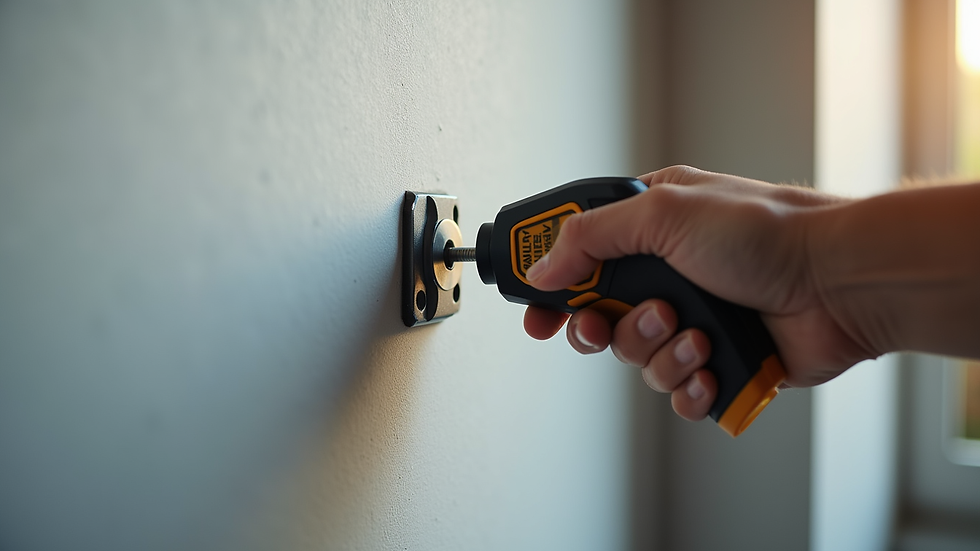
Tips for Mounting TVs in Business Spaces
Mounting TVs in offices, waiting rooms, or retail spaces requires a slightly different approach. Here’s what we recommend:
Choose High-Visibility Locations: Place TVs where they can be easily seen by customers or employees.
Use Commercial-Grade Mounts: These mounts are designed for heavier use and often have better security features.
Plan for Accessibility: Make sure cables and ports are accessible for maintenance or upgrades.
Consider Anti-Theft Solutions: In public spaces, use mounts with locking mechanisms to prevent theft.
Integrate with Other Tech: If you’re installing digital signage or smart systems, coordinate your TV mounting with other tech installations.
These tips ensure your business space looks professional and functions smoothly.
Final Thoughts on Getting Your TV Mounted Right
Mounting your TV is more than just a DIY project. It’s about creating a comfortable, stylish, and safe viewing environment. By following these pro tips for TV mounting in Stuart, you’ll avoid common pitfalls and enjoy your entertainment setup to the fullest.
Remember, if you want peace of mind and expert results, a professional tv mounting service in stuart is just a call away. They bring the right tools, experience, and know-how to make your TV installation seamless.
Let’s make your space smarter and more fun with a perfectly mounted TV!


Comments